Key takeaways
- Ask right after the treatment, while the customer is relaxed and happy.
- Make it one scan: a QR code at the counter that opens your review page.
- Reply to every review, good or bad, within a day or two.
- Never pay for reviews or only ask happy customers — Google's rules don't allow it.
When to ask
The best moment is at checkout, after the treatment, when the customer says thank you. A short, friendly request from the therapist or receptionist works better than a message days later.
Make it easy
- Put a review QR code at the counter and on receipts.
- Keep the request in the customer's language — Thai, English, Chinese, Korean or Japanese.
- Tell them it takes under a minute.
Reply to every review
| Review | How to reply |
|---|---|
| 5 stars | Thank them by name, mention the therapist or treatment, invite them back. |
| Mixed | Thank them, acknowledge the issue, say what you're changing. |
| Negative | Stay calm and polite, apologise, and offer to talk privately. |
⚠️ Stay within Google's rules
Don't offer discounts or gifts for reviews, don't write reviews for your own business, and don't ask only customers you think are happy. Ask everyone the same way.
Make it a team habit
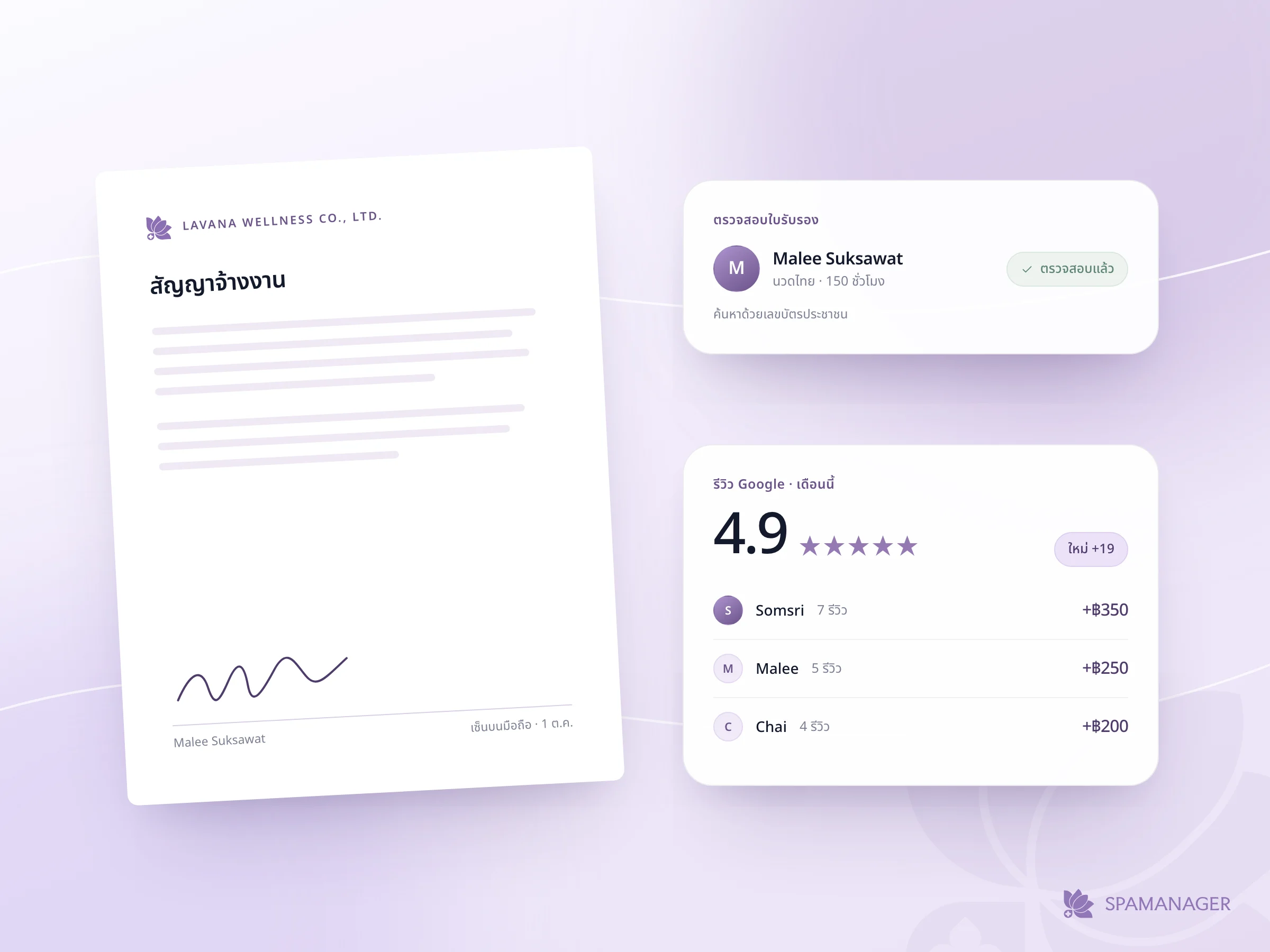
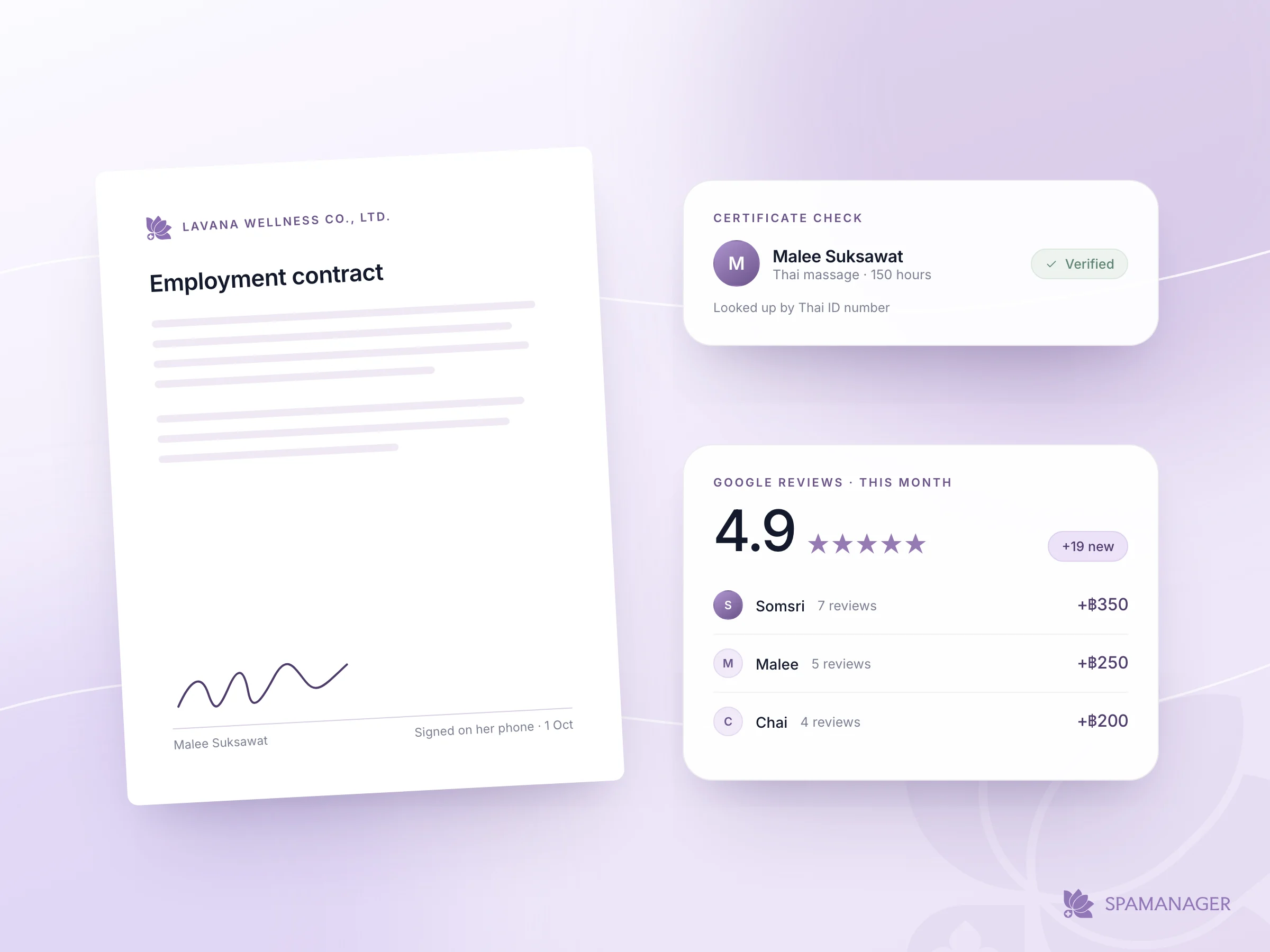
Reviews grow when asking becomes part of every checkout. In SpaManager you can set a monthly Google review target for each therapist or for the whole team, see progress on a leaderboard, and — if you choose — pay staff a bonus per review that flows straight into payroll. Reward your team for asking; never reward customers for reviewing.
Frequently asked questions
Can I give a discount for a Google review?
No. Google's policies prohibit incentives for reviews. Ask every customer the same way instead.
Do reviews help my spa rank on Google Maps?
Yes — the number, quality and recency of reviews are among the signals Google uses for local results, alongside relevance and distance.
Turn reviews into a team goal
Monthly review targets, a team leaderboard and review bonuses in payroll — in SpaManager.
Start Free Trial →