Key takeaways
- Close every shift, not once a week — mistakes are easy to fix the same day.
- Match each payment type separately: cash, PromptPay/QR, card and wallet.
- Check therapist pay and tips before staff go home.
- Lock the day after closing so figures can't change later.
The routine
- Print or open the day's sales summary by payment type.
- Count the cash drawer and subtract the opening float.
- Match PromptPay/QR transfers against your bank app.
- Match card payments against the card terminal's settlement slip.
- Review therapist pay and tips for the day with the team.
- Note any difference with a reason, then lock the day.
| Payment type | Compare against |
|---|---|
| Cash | Drawer count minus opening float |
| PromptPay / QR | Bank app transfers for the day |
| Card | Card terminal (EDC) settlement |
| Membership wallet / packages | Sessions and credit used in the system |
💡 Small differences matter
Record every difference, even ฿20. Patterns — the same shift, the same payment type — tell you where to look.
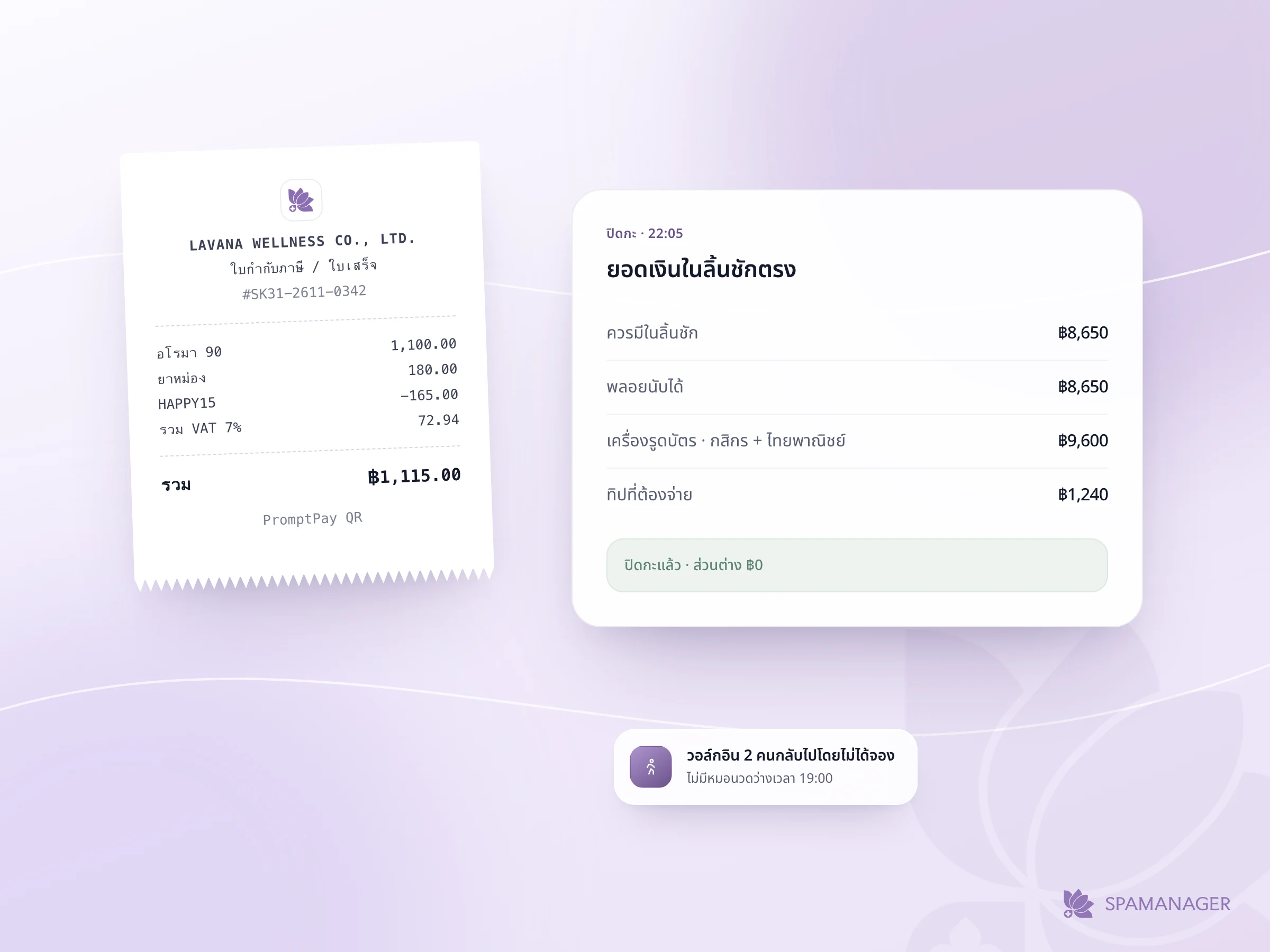
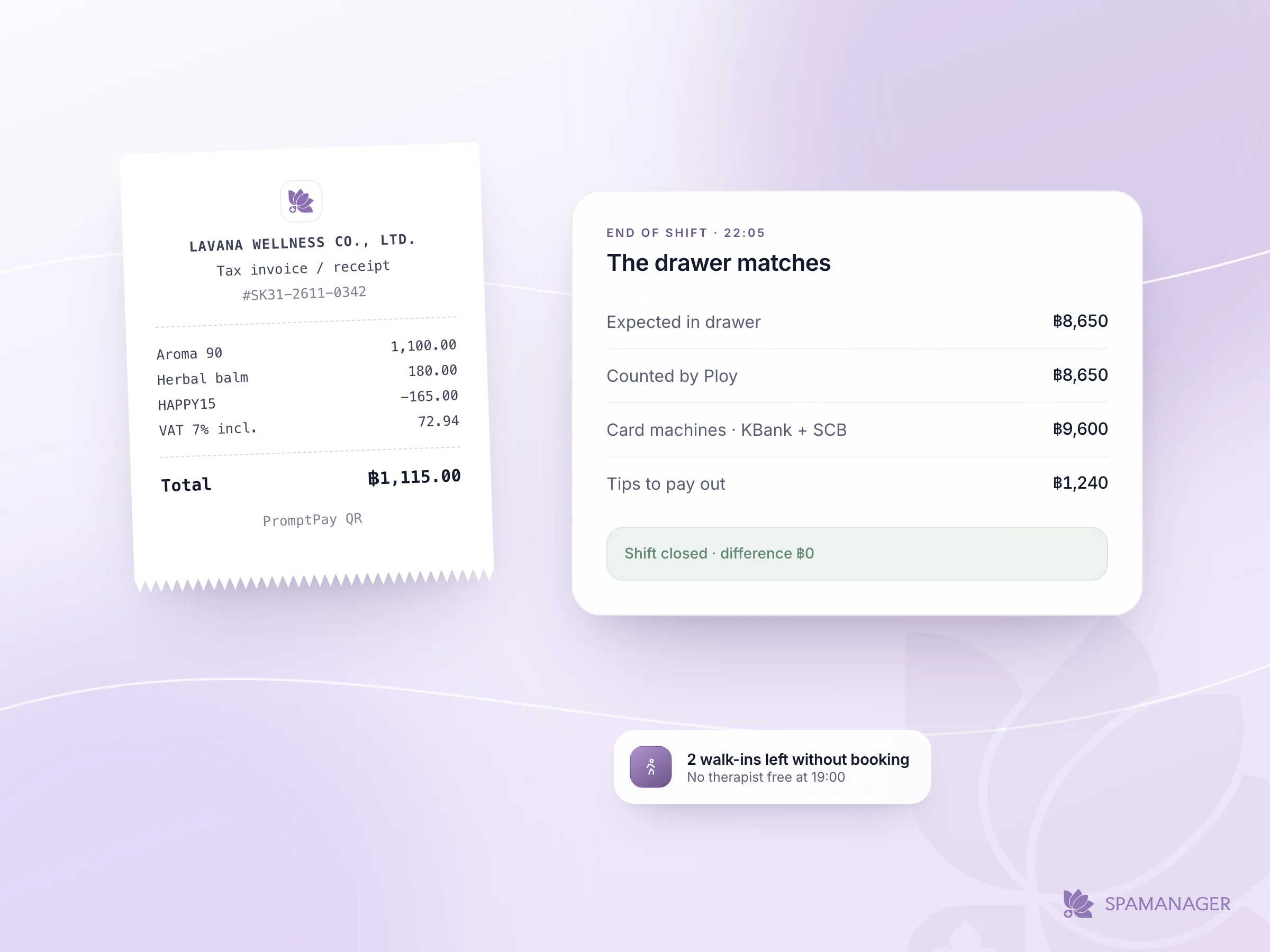
SpaManager has a built-in cash close by shift and by day, with card-terminal reconciliation, so the end-of-day check takes minutes instead of an evening with a calculator.
Frequently asked questions
How often should a spa close its cash?
At the end of every shift. If one person works all day, close once at the end of the day.
What if cash and sales don't match?
Write down the difference and the likely reason, check card and QR payments first (they are often recorded under the wrong type), then lock the day.
Close the day in minutes
Shift and daily cash close, card reconciliation and therapist pay — in one place.
Start Free Trial →